
Modelwright0.1.35
One image to a 3D model, one click into Unity. An image or one sentence goes in; a model you can use right away comes out. Mesh reduction, LODs, colliders, rigging and motions are all done in one window. Free; generation uses your own API keys.
64-bit Windows 10 or 11. Generation needs an API key from Tripo, Meshy or Tencent Hunyuan; without a key you can first go through the steps with the built-in demo service. The installer has no paid code-signing certificate; when Windows blocks it, click “More info → Run anyway”.
Prepare the input
One image, or one sentence of description. A character sheet is split into its views automatically.
Generate in the cloud
Tripo, Meshy or Tencent Hunyuan, with your own key.
Process locally
Mesh reduction, LODs, colliders, pivot and size, at no credit cost.
Send to Unity
One click sends it; materials and the prefab are built, ready to drop into a scene.
Showcase
From one sprite to a 3D Andromeda standing in Unity
Andromeda, the guide of this site, started as a small 192 × 208 pixel desktop-pet image. It was dropped into Modelwright, generated, reduced and given a packed texture, then sent into Unity in one click. The model you can turn below is the result.
 Input: 2D sprite
192 × 208 pixels
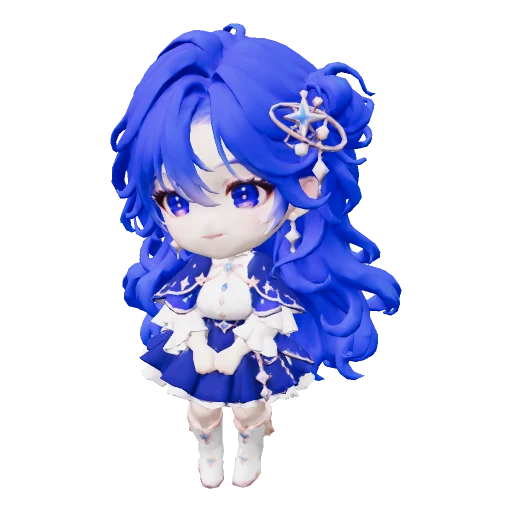
- Output
- A GLB model with 7,999 triangles and a 1024 × 1024 texture, 0.7 MB as a file
- Steps
- Generated by Tripo; reduced, texture-packed and given the right pivot and size locally in Modelwright; then sent into Unity
- Status
- A static model, not rigged yet; a version that moves is planned
 Watch on Bilibili
Demo video · Tutorial
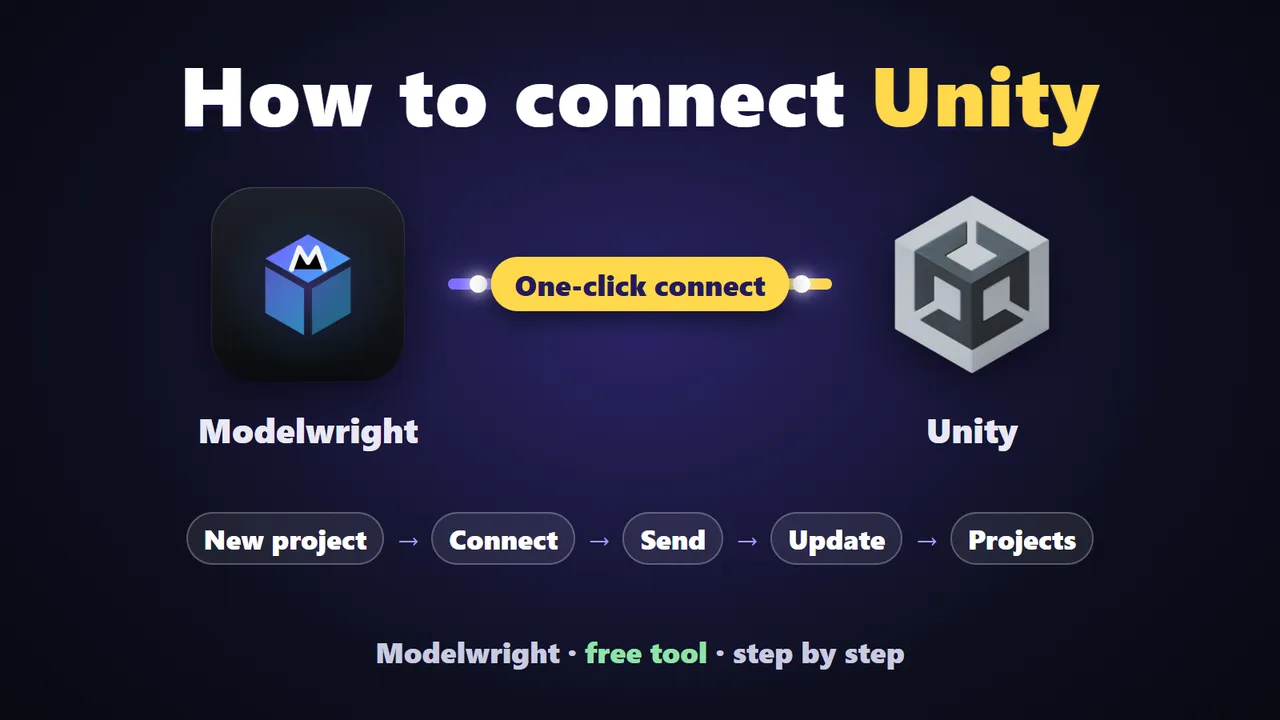
How to connect Unity
From a new project to connecting, sending and updating a model, and working with several projects: everything on the Unity side, step by step. Length: 4 min 37 s.
Watch on Bilibili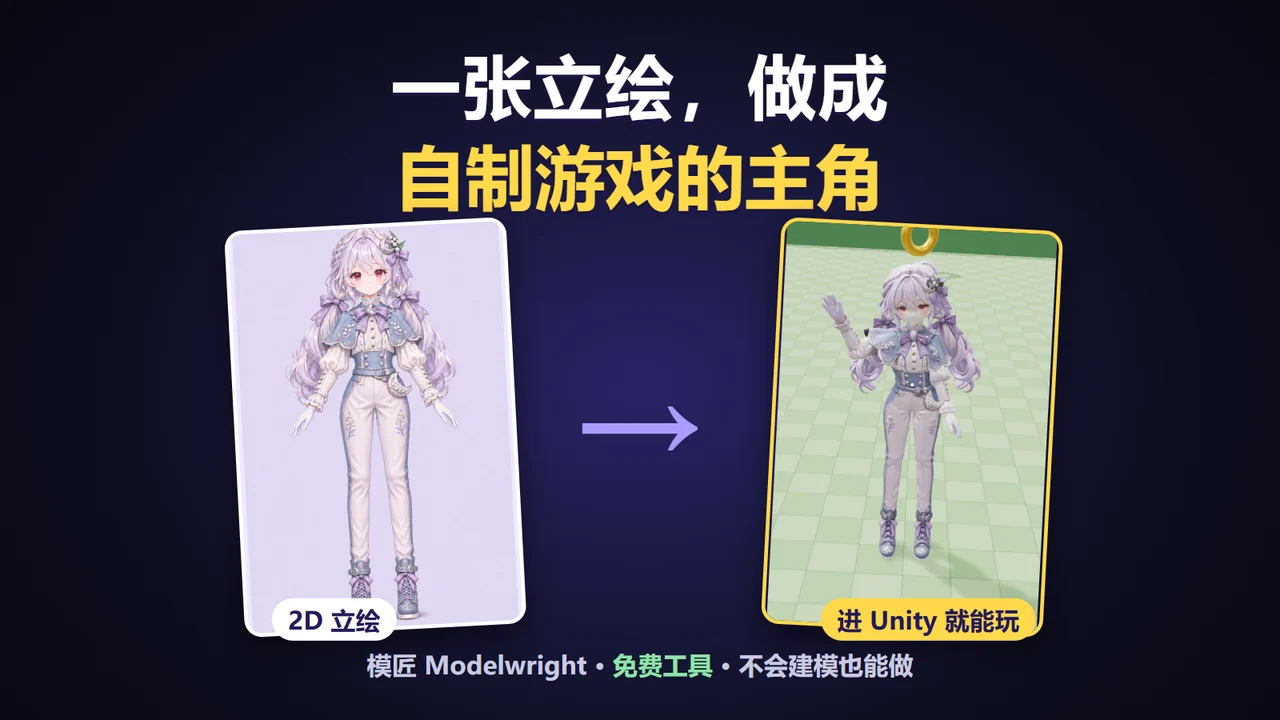 Watch on Bilibili
Demo video · Episode 3
Can't model? One picture to a 3D character that runs and shoots
One character drawing goes through generating, texturing, rigging and motions, then into Unity in one click, with the main buttons explained along the way; at the end she runs around the playground and shoots at the range. Length: 2 min 42 s.
Watch on Bilibili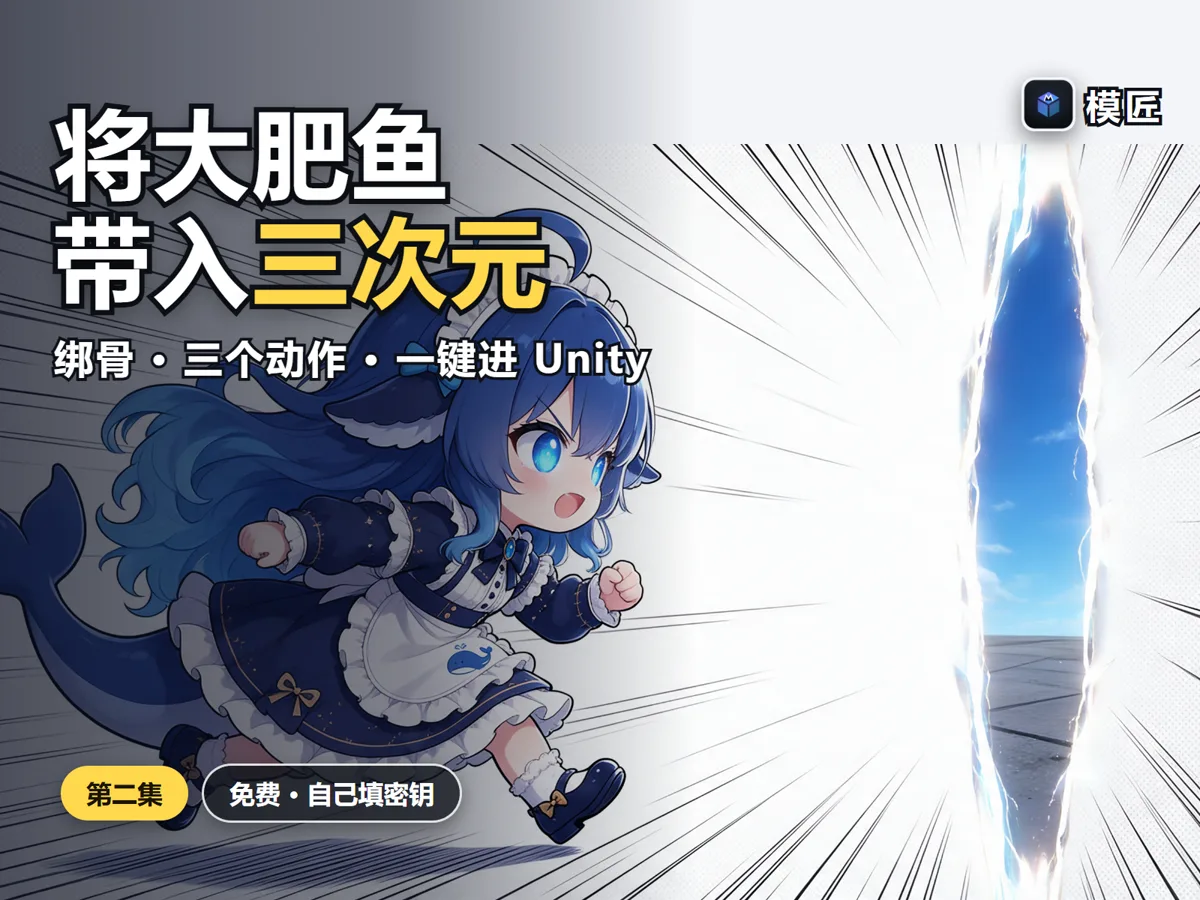 Watch on Bilibili
Demo video · Episode 2
Bringing 大肥鱼 (the whale girl) into 3D: rigging, three motions, one click into Unity
The previous episode generated 大肥鱼 from a single character sheet. In this one she is rigged in Modelwright, given idle, walk and run motions, and sent into Unity 6 in one click to run around, with a cameo by Andromeda. Length: 1 min 54 s.
大肥鱼 (the whale girl) is a community fan character: original design by 上善无形, maid-outfit redesign by ZipZipPipe; the character sheet comes from the 鲸鱼娘开源资产库 (the whale girl open asset library), CC BY-NC-SA 4.0. The model in the video is shared under the same license.
Watch on Bilibili Vertical version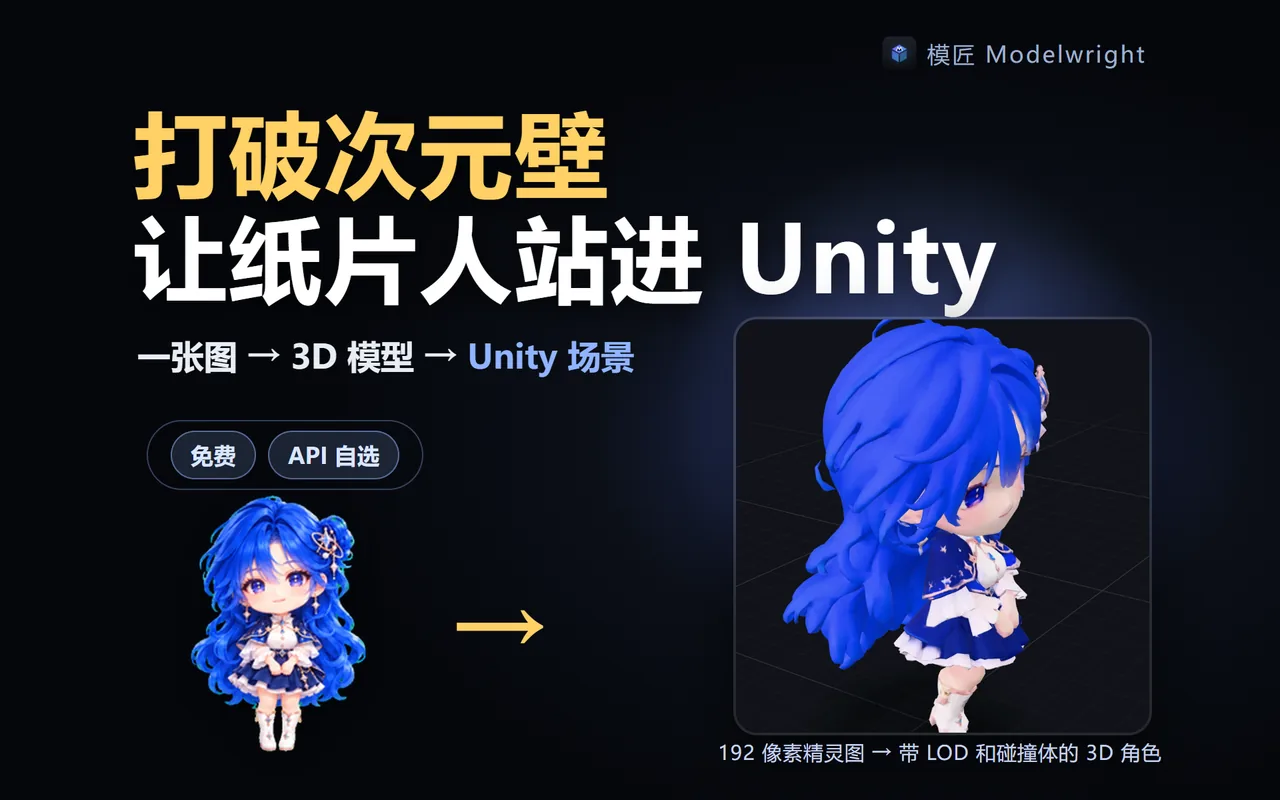 Watch on Bilibili
Demo video · Episode 1
Breaking the dimension wall: a flat character stands in Unity
A small 192 × 208 pixel desktop-pet image is generated and processed in Modelwright, then sent into a Unity 6 scene in one click. Length: 1 min 46 s.
Watch on BilibiliWhat it does
Everything before and after generation, in one line
A model straight from AI generation usually cannot be used as it is. Modelwright connects the rest: mesh reduction, rigging, motions and getting it into the engine.
Generate
Image or text to 3D through Tripo, Meshy and Tencent Hunyuan. Three-view and four-view character sheets are split automatically, and a single front image can first be drawn into four views.
Check before you spend
Before you submit, you see roughly how many credits the job will cost, and problems with the image or the settings are pointed out first. A request that costs credits is never re-sent automatically.
Local processing
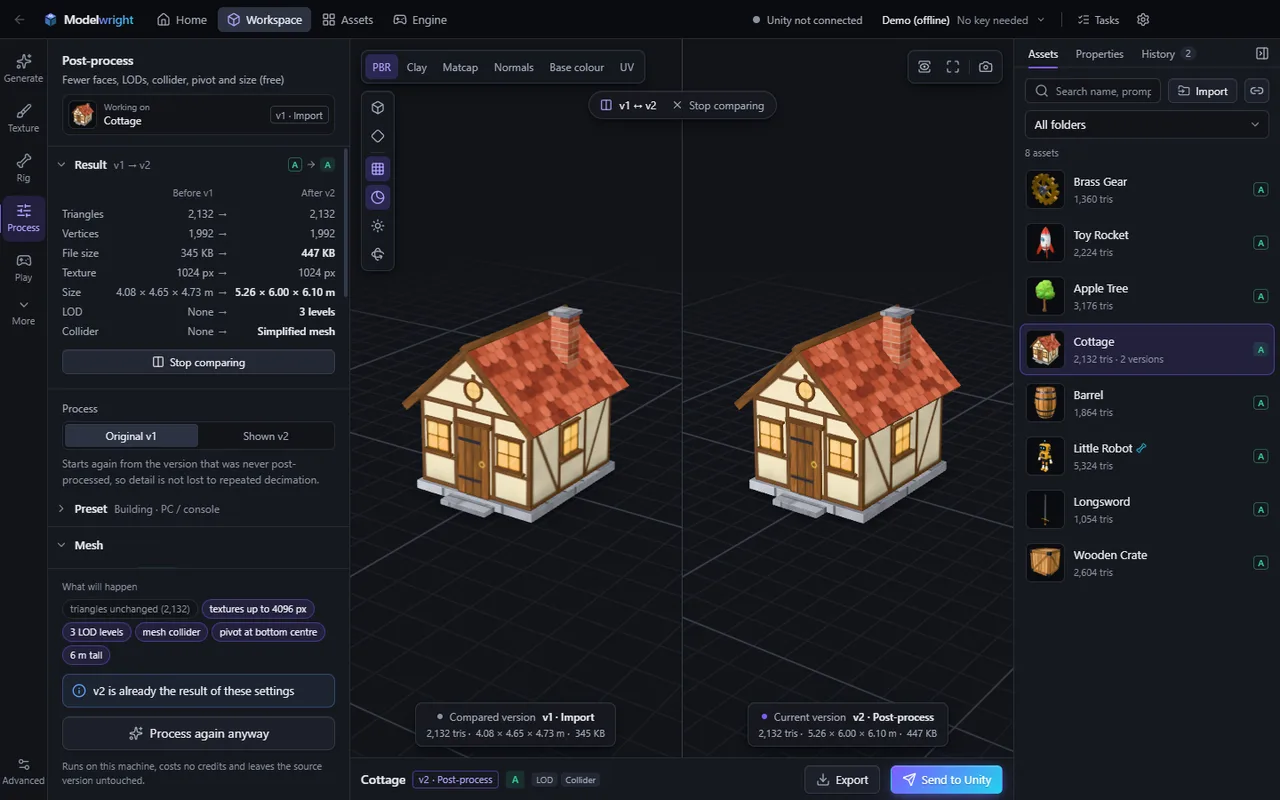
Mesh reduction, LODs, colliders, pivot and size, done in one pass from an “asset type × target platform” preset, at no credit cost.
Rigging and motions
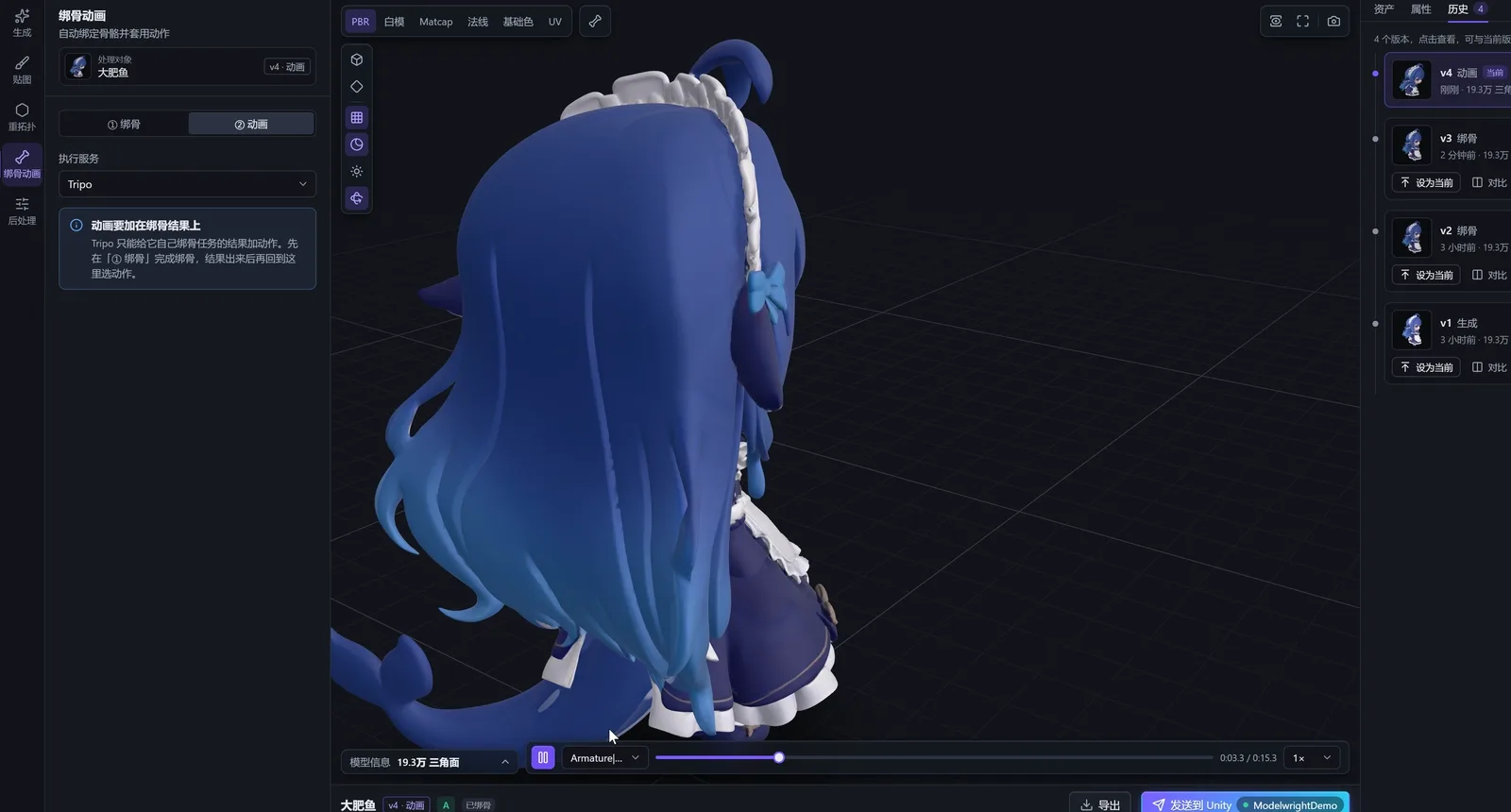
Rigging runs in the cloud. In the motion studio you tune idle, walk, run and jump yourself, or import Mixamo motions. In the playground and the shooting range you control the character directly to see the result.
Into Unity
With the plugin installed, one click sends the model; materials, the prefab (with LODs and colliders) and the Animator are all built, ready to drop into a scene.
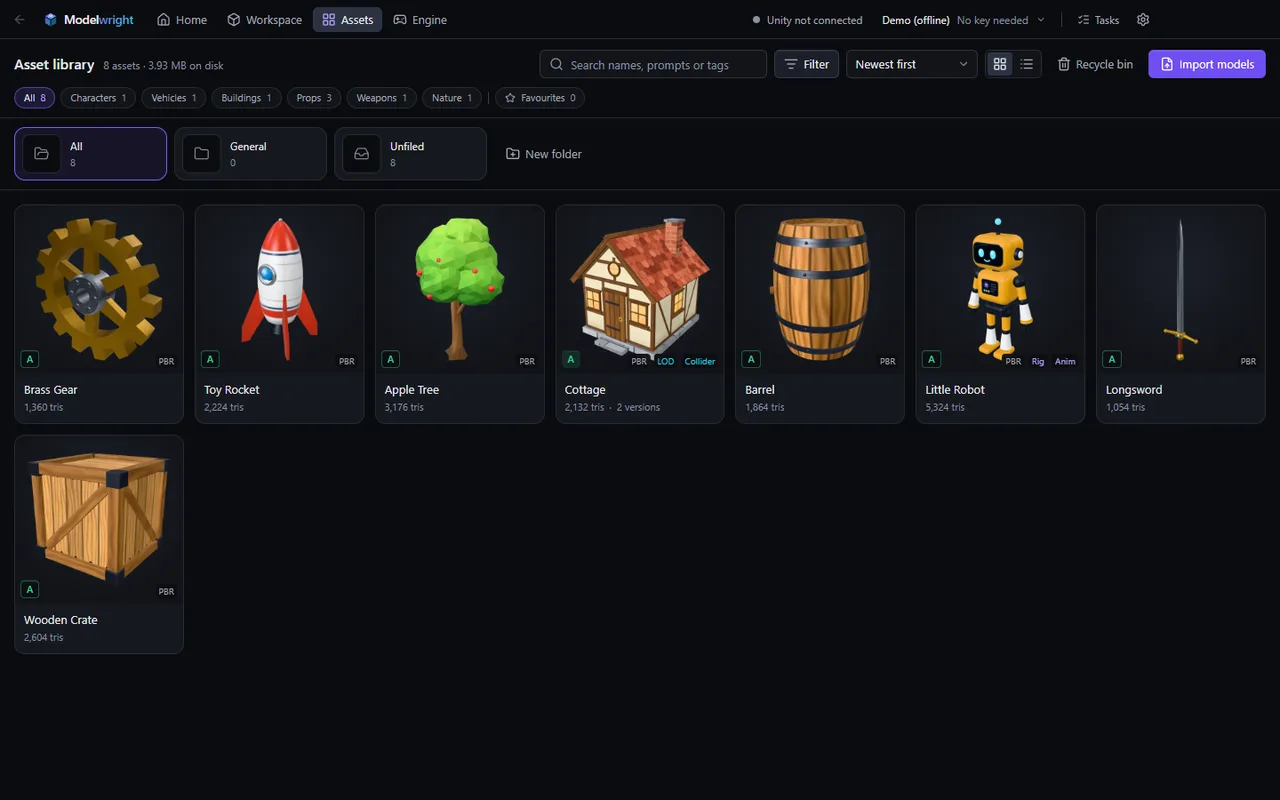
Asset library
Version history, folders, search and a recycle bin, with export to GLB / OBJ / STL / PLY. Batch jobs run in a queue and are not lost when you close the app.
Screenshots
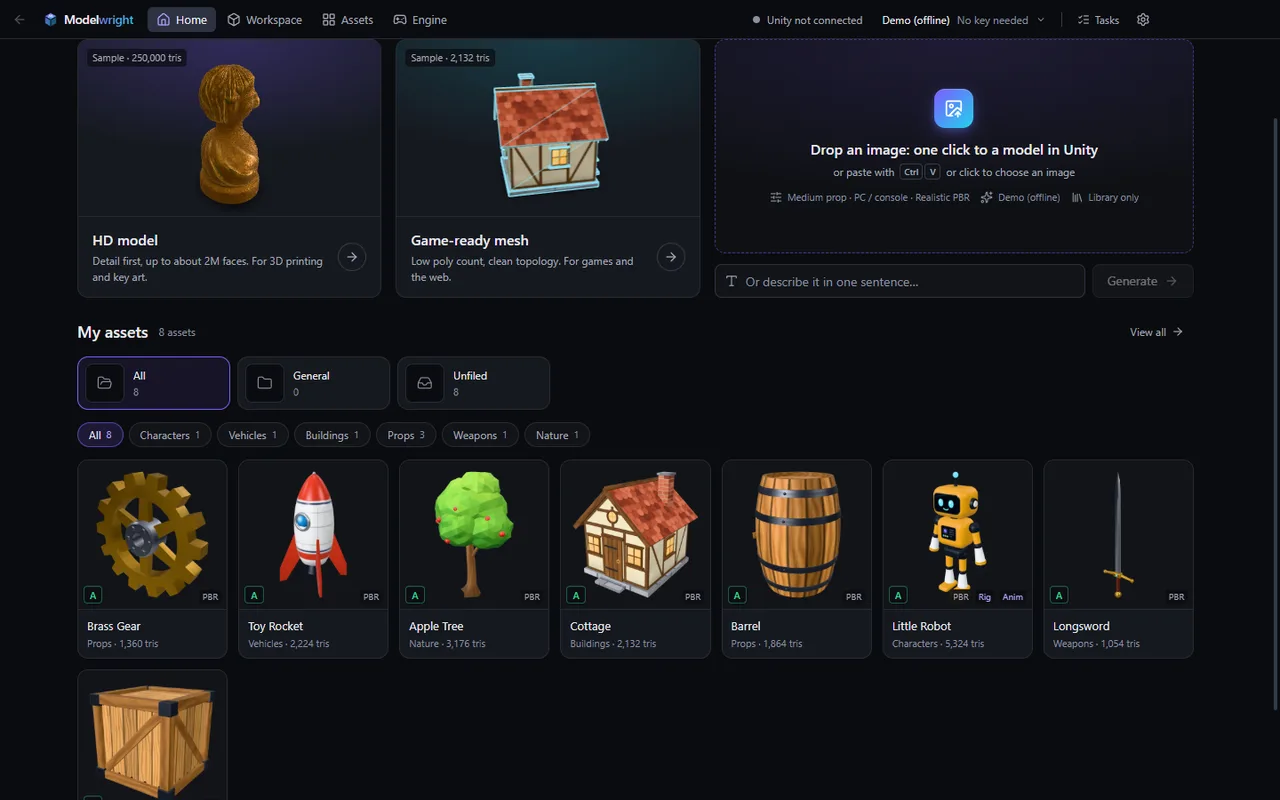
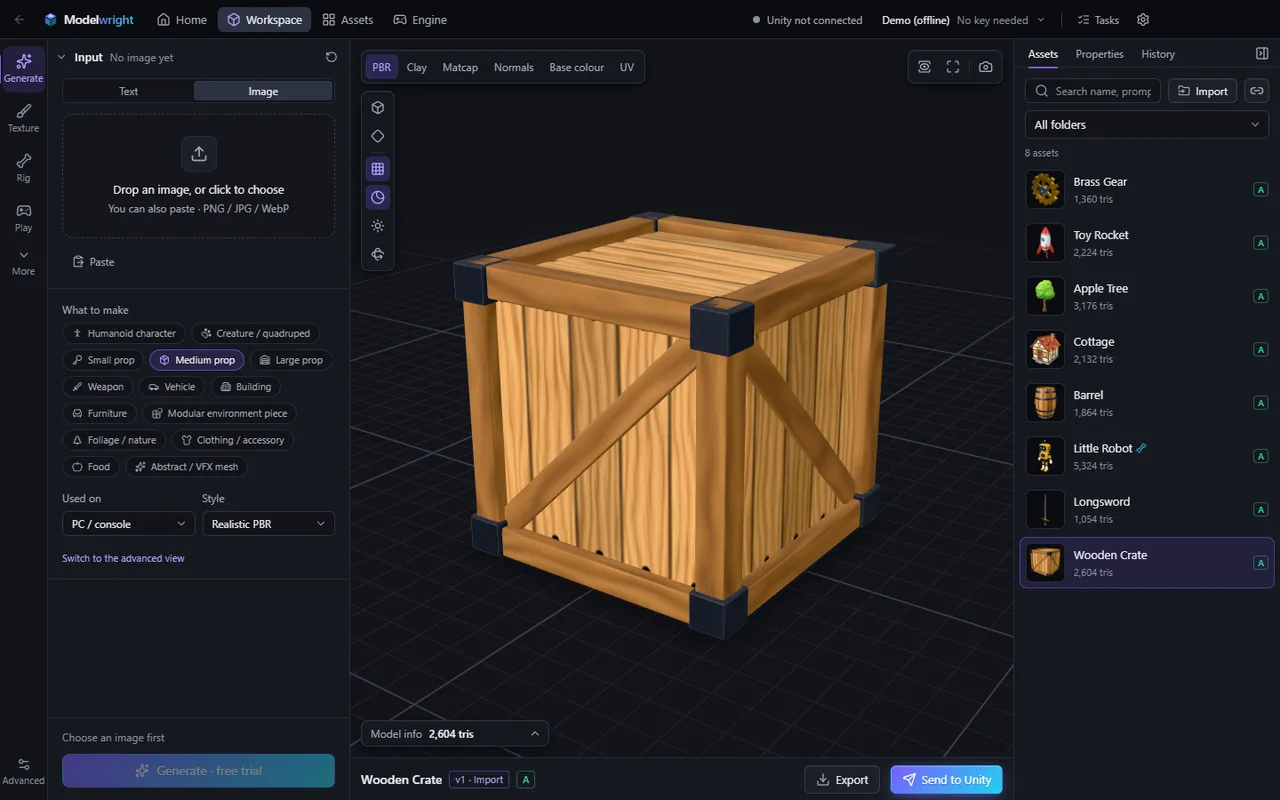
The interface comes in Chinese, English and Japanese
Getting started
Three steps
- Install it, open it and follow the guide to choose a generation service. No key yet? Choose “Demo (offline)”: it gives you built-in sample models so that you can learn the steps.
- Drop an image onto the home page, or write one sentence of description.
- The result is on the “Assets” page. In the “Workbench” you can look at the mesh and texture, process the model, rig it and send it to Unity.
Keys
Enter your own keys
| Service | Where to get the key |
|---|---|
| Tripo (recommended) | China region / global region; accounts are not shared between the two, so enter a key for each |
| Meshy | meshy.ai, after subscribing to Pro |
| Tencent Hunyuan 3D | TokenHub: enable the HY-3D models first, then create a key, with Guangzhou as the region |
Keys are kept only on your own computer, protected by Windows' built-in encryption. Generation uses the credits in your provider account, and the estimated cost is shown before you submit.
Known issues
Good to know before you start
- Windows only, and Unity is the only engine it connects to.
- Mostly tried on Unity 6; Unity 2022.3 and Tuanjie Engine have seen less use. If you run into a problem, please open an issue on GitHub.
- Motion files from Tencent Hunyuan's cloud tear the skin in Unity; the problem is in the files themselves. For a character rigged by Hunyuan, add motions with “Complete basic motions (local)” in the motion studio.
- Motions from the motion studio are generated by code, not motion capture: good enough for prototypes and playtests. For something more natural, import from Mixamo.
- Skirts and hair have no cloth simulation, so a skirt may clip through the body when the character runs.
- A rigged model cannot be reduced or given LODs locally.
- Providers' download links are sometimes very slow. If a download fails, click “Retry” in the job queue; you are not charged again.
For what changed in each version, see the release notes.
Download
Modelwright 0.1.35
Windows 10 / 11. Pick any one of the three; released on 2026-11-22. SHA-256 values and what changed in this version are on the release page.
Downloaded 403 times so farall versions together
Recommended. Updates itself when a new version is out
SHA-256 925086b94b32709277c813314678a99abb1511009b198a8b5337192ddb4828cf
A single file. Data goes in a Modelwright-Data folder next to it, so you can carry it on a USB drive
SHA-256 1942113e2a1f8b6b616ed6d22bb1deebe35f394aa3b4a48a3f559ab39801ef46
Unzip and run
SHA-256 8e7ea3523f2f1c9b93f0f14953ca4c2f126d7c149e89e629656ffe59eeedd9b8
The installed version updates itself when a new version is out; you can turn that off under “Settings → Language & About”. The portable version and the zip have to be downloaded again by hand. Modelwright connects only to the generation services you set up and to github.com to check for updates, and collects no data. The use count at the top of this page is how many times this website's page was opened and has nothing to do with the program. More is on the introduction page and in the GitHub repository.